
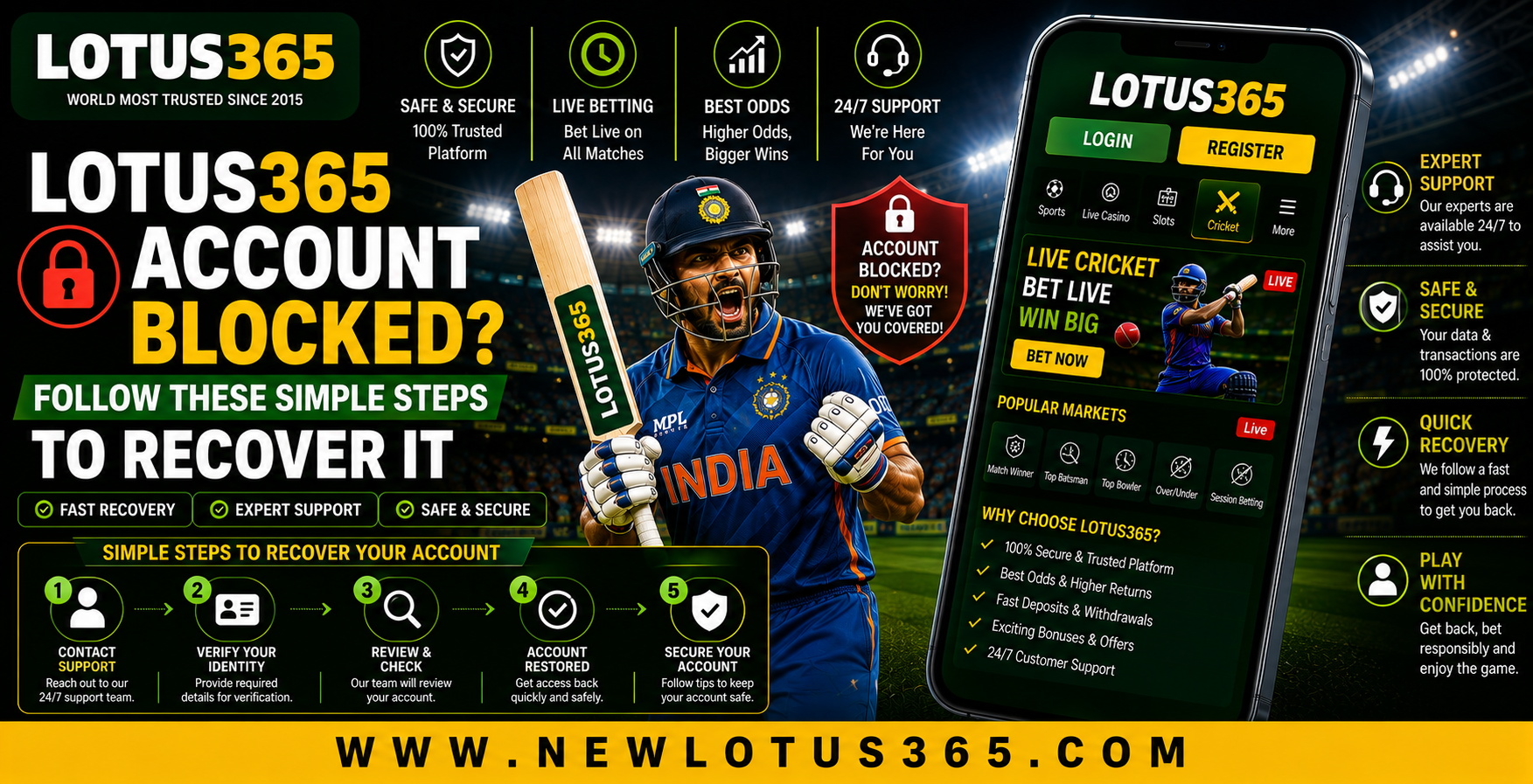
 Lotus365 Account Blocked? Follow These Simple Steps to Recover It
 2026-08-10
Introduction
Having an online account blocked can be frustrating, especially when you need quick access to your account information or gaming services. Account restrictions can happen for several reasons, including incorrect login attempts, unusual activity, verification issues, or security checks. Understanding the possible cause can make the recovery process easier and help you avoid similar problems in the future.
If you are experiencing an account access problem with Lotus365, the best approach is to stay calm and follow the platform's official recovery and verification procedures. Avoid repeatedly entering incorrect credentials or creating multiple accounts, as these actions may make the situation more complicated. This guide explains practical steps beginners can follow when trying to restore access.
Why Can an Account Become Blocked?
An account may be temporarily restricted for different reasons. Identifying the likely cause is the first step toward resolving the issue.
Common reasons include:
- Multiple incorrect password attempts
- Suspicious or unusual login activity
- Incomplete account verification
- Incorrect account information
- Security-related restrictions
- Violation of platform rules
- Extended periods of unusual account activity
The exact reason may be shown when you attempt to log in or contact customer support.
Check Your Login Details First
Before assuming that your account is permanently blocked, confirm that your login information is correct.
Check the following:
- Username or registered mobile number
- Password spelling
- Capitalisation and special characters
- Internet connection
- Correct website or application
- Any security or verification messages
If you recently changed your password, make sure you are using the latest credentials.
Use the Password Recovery Option
Sometimes users mistake a forgotten password for a blocked account. If you can access the password recovery feature, follow the instructions provided on the official platform.
A typical recovery process may involve:
- Open the official login page.
- Select the password recovery option.
- Enter the required registered details.
- Complete any verification step.
- Create a new strong password.
- Try signing in again.
Avoid sharing your password or verification codes with other people.
Check for Security Notifications
If you receive a security message, read it carefully before taking further action. The notification may explain why access was restricted or request additional verification.
Look for information about:
- Recent login attempts
- Account verification
- Password changes
- Security checks
- Temporary restrictions
Understanding the notification can help you choose the correct recovery method.
Contact Official Customer Support
If password recovery does not restore access, contacting official customer support is usually the safest next step. Provide accurate information and clearly explain the problem.
You may be asked to confirm details such as:
- Registered contact information
- Account username
- Approximate time of the issue
- Screenshot of the error message
- Relevant verification information
Never send your password, one-time verification code, or other confidential security credentials to an unknown person.
Mobile App Troubleshooting
If you normally access your account through the Lotus365 app, the problem may sometimes be related to the application rather than the account itself.
Try these basic troubleshooting steps:
- Check your internet connection.
- Update the application if an update is available.
- Restart your smartphone.
- Clear temporary application data if appropriate.
- Reinstall the official application when necessary.
- Try accessing the account through the official website.
Always make sure you are using an authentic source when downloading or updating an application.
What to Do After Recovering Your Account
Once access has been restored, take a few security precautions to reduce the chance of future problems.
Consider these steps:
- Create a strong and unique password.
- Keep your registered information accurate.
- Avoid sharing account credentials.
- Sign out from unfamiliar devices.
- Monitor unusual account activity.
- Follow the platform's account rules.
These simple habits can help keep your account more secure.
Avoid Common Recovery Mistakes
When an account is blocked, users may make rushed decisions that can create additional problems.
Avoid:
- Repeatedly guessing your password
- Sharing verification codes
- Using unofficial recovery services
- Creating duplicate accounts
- Giving account credentials to strangers
- Clicking suspicious recovery links
Use official account recovery channels whenever possible.
Account Security Tips for the Future
After recovering your Lotus365 ID, maintain good account security practices. Use a password that is difficult to guess and avoid using the same password across multiple services.
Also remember to:
- Keep your contact details updated.
- Review account notifications regularly.
- Avoid logging in through suspicious links.
- Use trusted devices and networks.
- Contact official support if unusual activity appears.
Good security habits can make future account access problems easier to prevent.
Conclusion
A blocked account does not always mean that access is permanently lost. Incorrect login details, security checks, verification problems, and unusual activity can all result in temporary restrictions. Checking your credentials, using the official recovery process, and following the platform's instructions are sensible first steps.
If standard recovery options do not work, contact official customer support and provide the requested information without sharing confidential credentials. After restoring access, strengthen your password and review your account security settings to help prevent similar problems in the future.